
Mazlo
Check out the resources below to get you started.
(Onboarding further down).
Links+Forms
Questions, Support, and Mazlo Help
We are here for you:
Schedule time with T. Collins
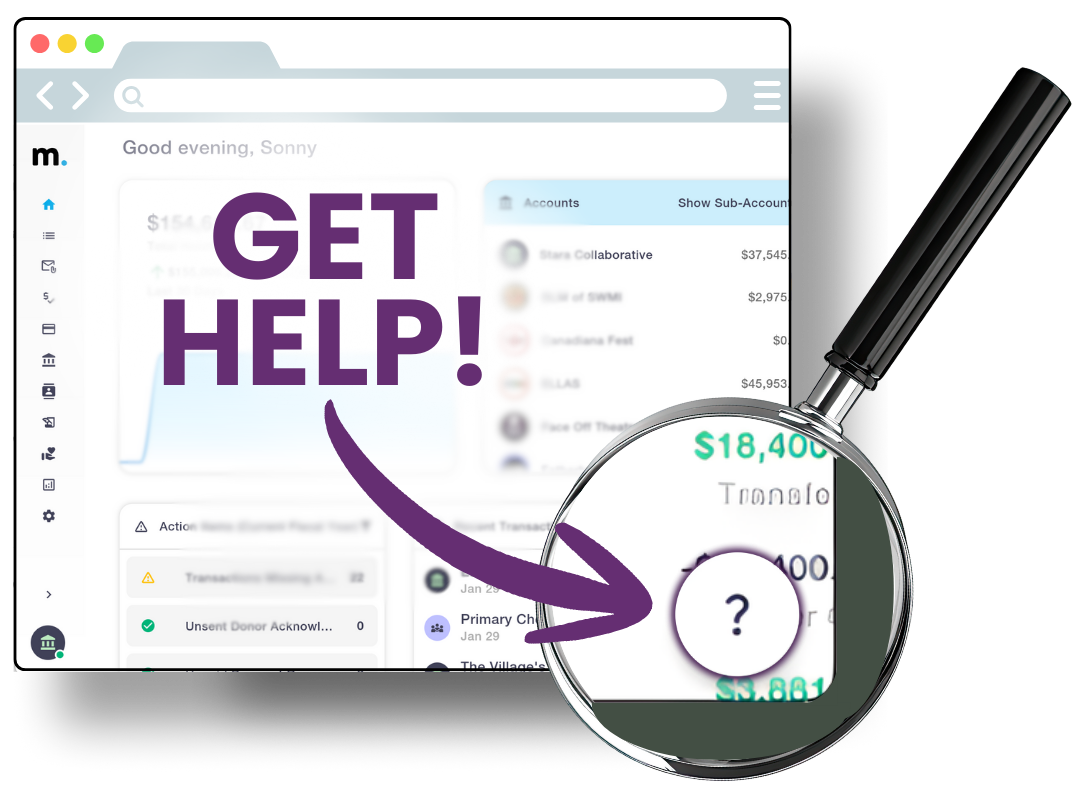
On Mazlo, go to the ‘?’ in the lower right hand corner, then ‘Knowledge Base’ and then ‘Getting Started’ to see a library of videos for specific issues.
Email support@mazlo.com
*
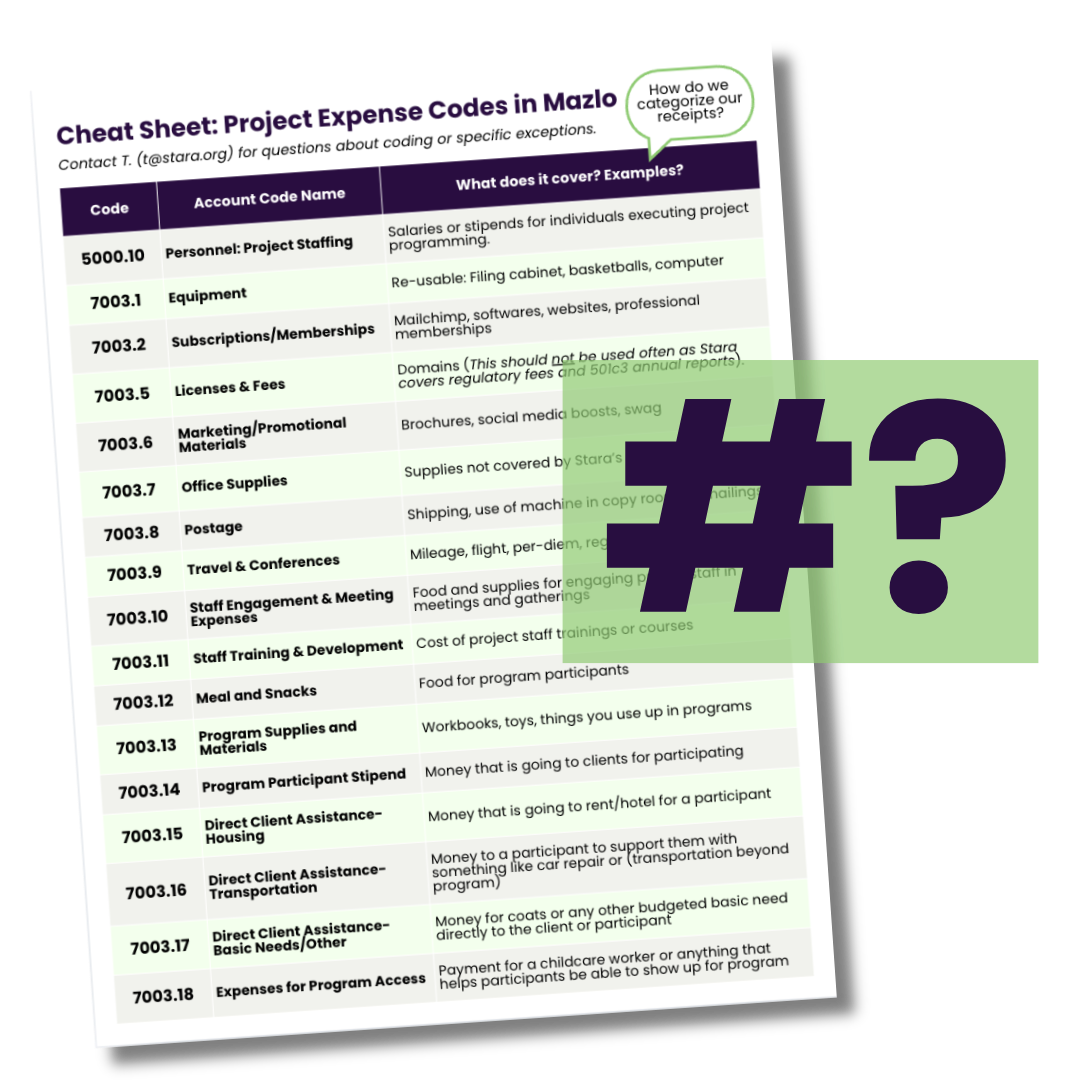
How do I know how to ‘code’ my receipt?
If you’re a Model A project: Inside Mazlo, with each purchase you will need to add a number that says what category it is. We don’t expect you to memorize those numbers - use this cheat sheet to pick the right category for the money that was spent.
Getting Setup
Let’s get ready for clearer access and bettering tracking.
Follow the steps below to get set up in Mazlo, Stara’s new financial system for tracking and using project funds with clarity.

5 STEPS
More accessible funds in three weeks
Mazlo gives projects a clearer, real-time view into their budgets and what they’ve actually spent..
The goal is fewer surprises, better tracking, and more confidence in how your project’s money is moving without searching for a spreadsheet.
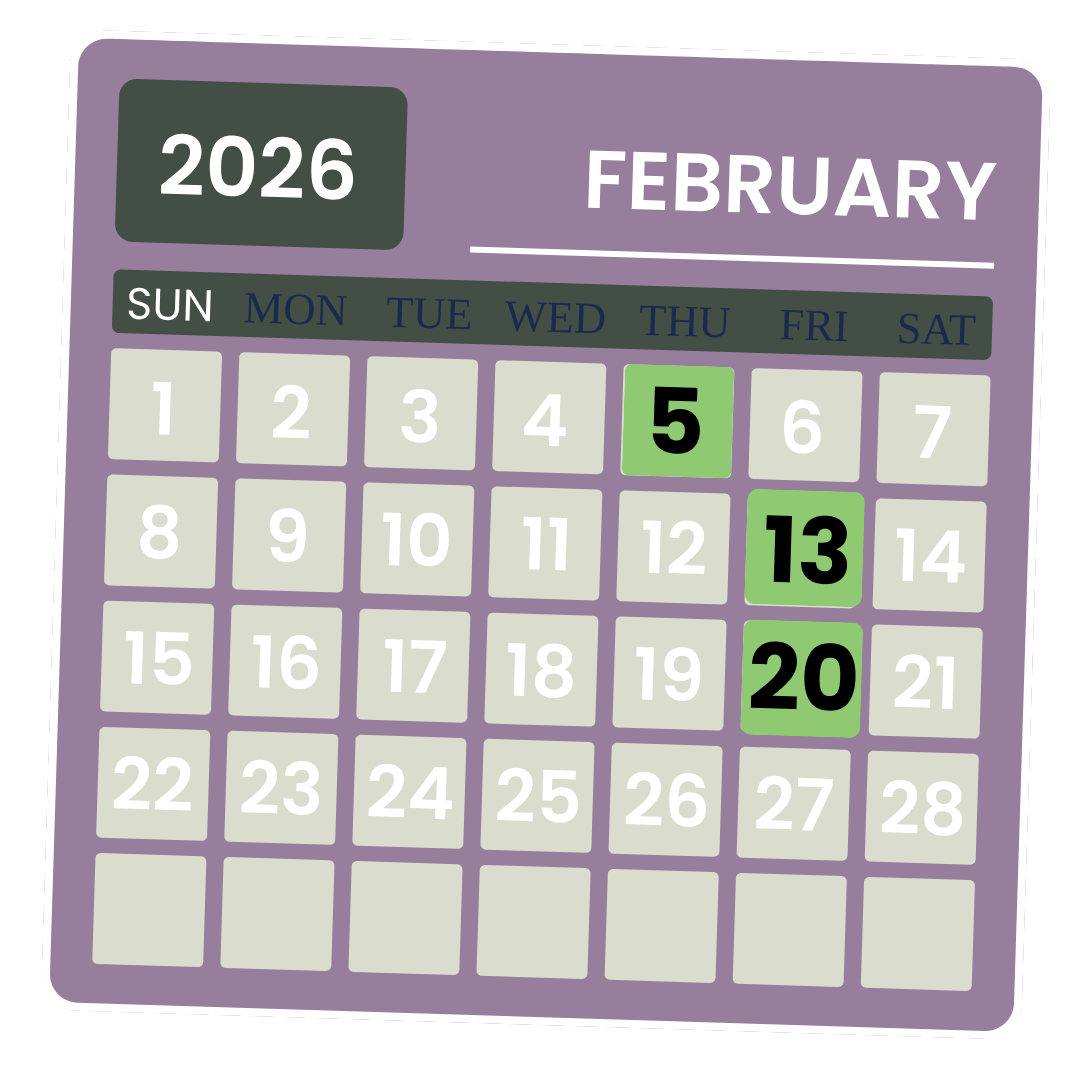
Key Dates:
February 5: Login to Mazlo and update email and phone number
February 13: Training video and quiz must be completed to avoid interruption of funds by this date
February 16–20: Card pickup at the Stara office
February 20: Final deadline to upload all Ramp receipts
1
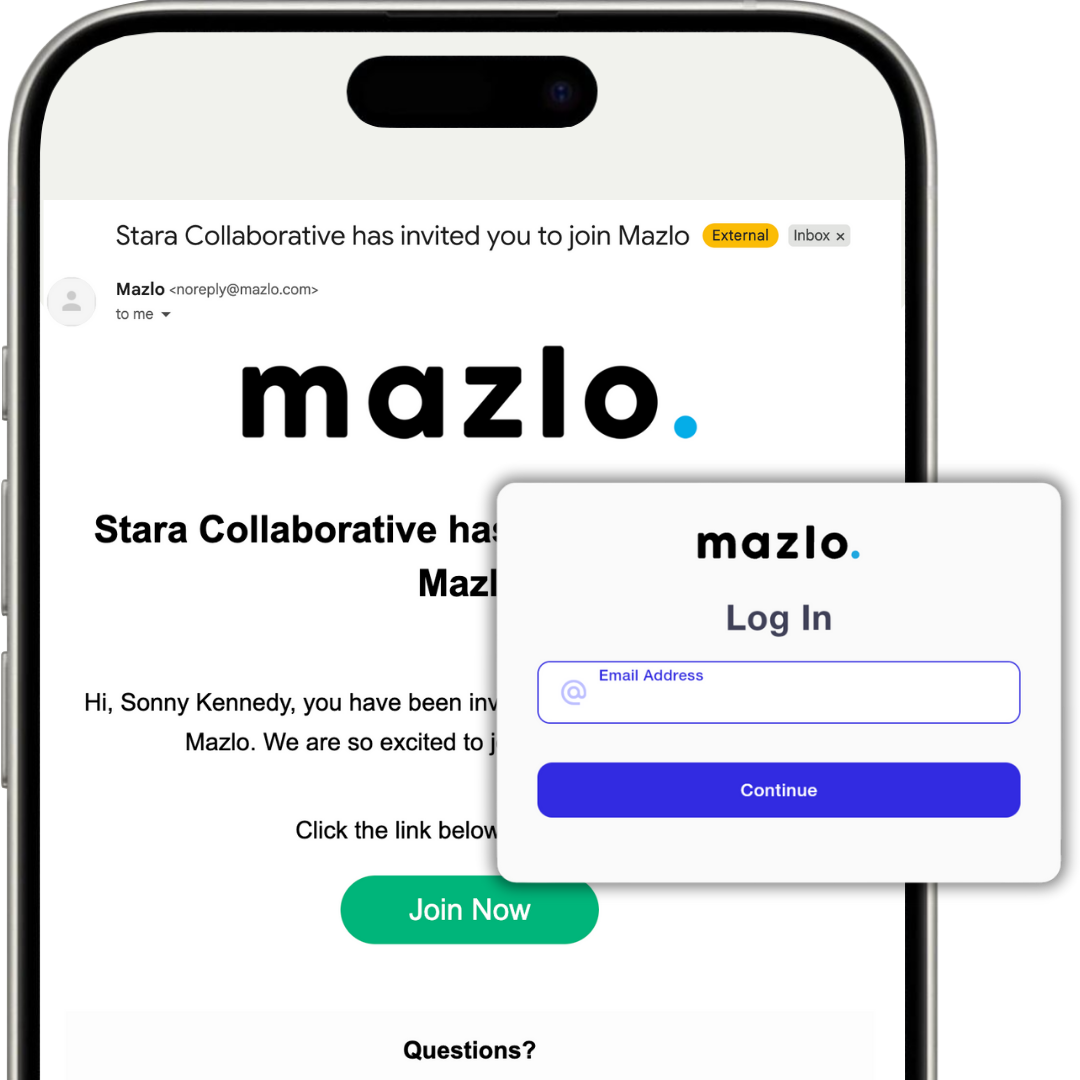
1. Log in to Mazlo (by Feb. 5)
Use the invitation sent to your email account to create your login, add your phone number, and set your password.
*If your project has multiple project leads, you will be invited on your personal email so that every project lead has access.
2
2. Review Expectations
How to Protect Access to Your Funds
We want to be intentional about preventing confusion and card disruptions. Here’s the key points:
Every purchase must have a receipt uploaded to Mazlo.
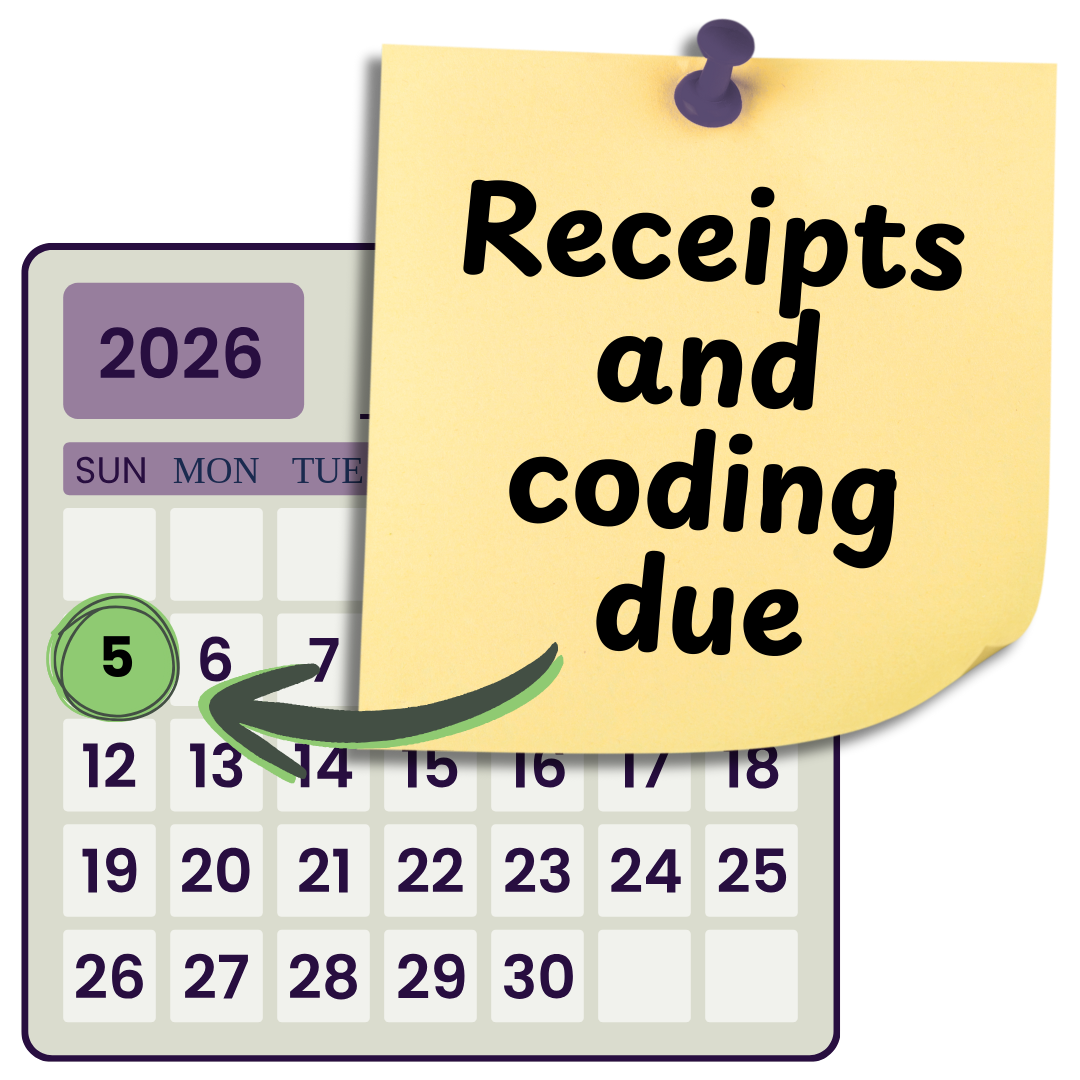
Receipts and coding are due by the 5th of the following month.
Missing receipts will temporarily pause card access until resolved. Repeated missing receipts may result in loss of card access.
Personal purchases are not allowed.
3
3. Watch the Training Video (by Feb. 13)
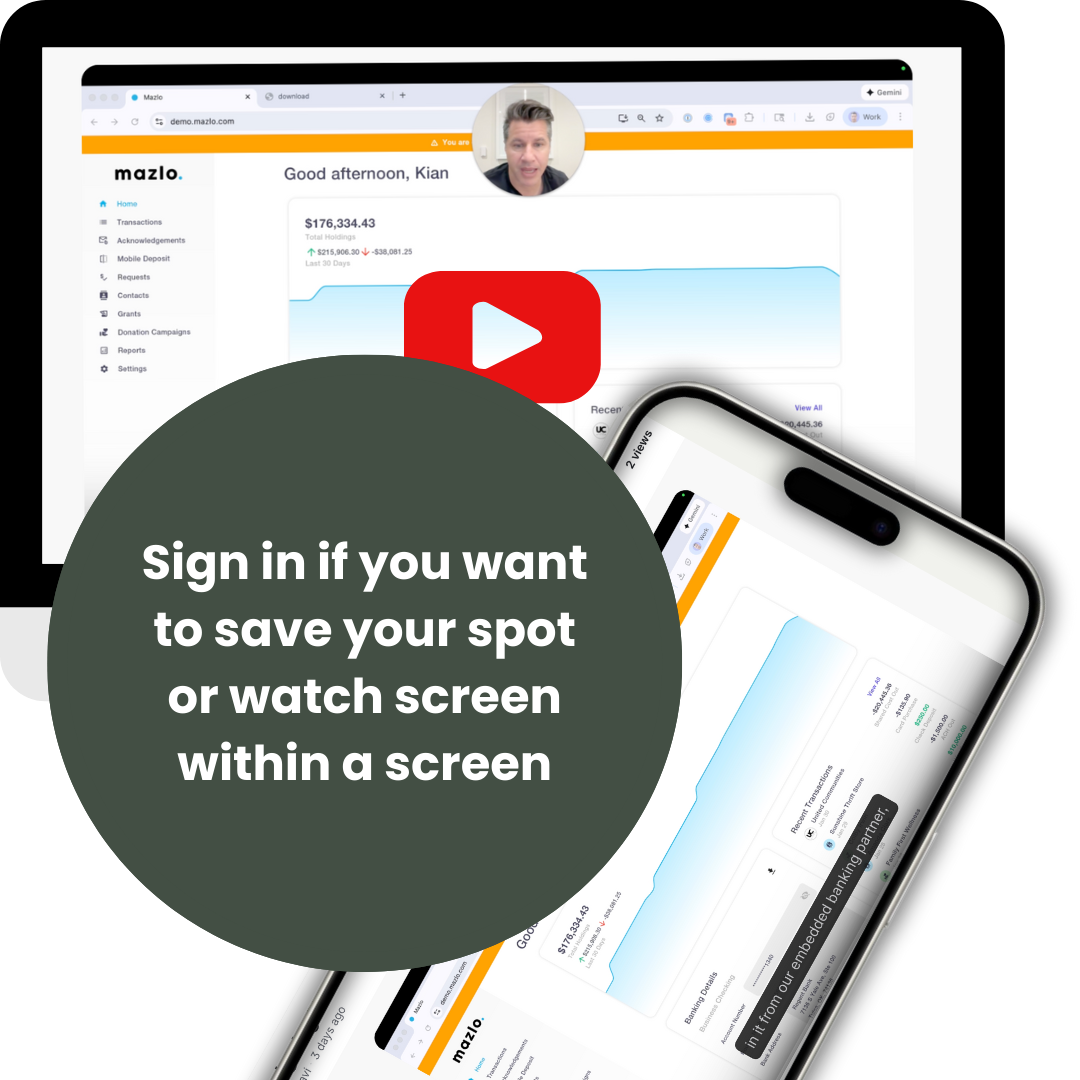
This 25 minute video walks through Mazlo from a project perspective, including how to view your budget, upload receipts, and understand expectations. More videos will be accessible for specific issues.
*SOME INFO APPLIES TO MODEL A ONLY
4
4. Complete the Quiz (by Feb. 13)
Submit this quiz to cue your card being ordered and ensure that there are no surprises. The quiz helps confirm you’re ready to use the card responsibly. It’s okay if you need more than one try — retakes are available, and you can phone a friend.

5
5. Schedule + Pickup Your Card (Feb. 16-20)
Once your quiz is submitted, T. Collins will review your form and issue your card. Schedule a pickup time or swing by to receive your card, review expectations, and sign the required acknowledgment.